









Skip to content

Feature · Workflow

Automate your event workflows

Streamline your processes and manage your events seamlessly

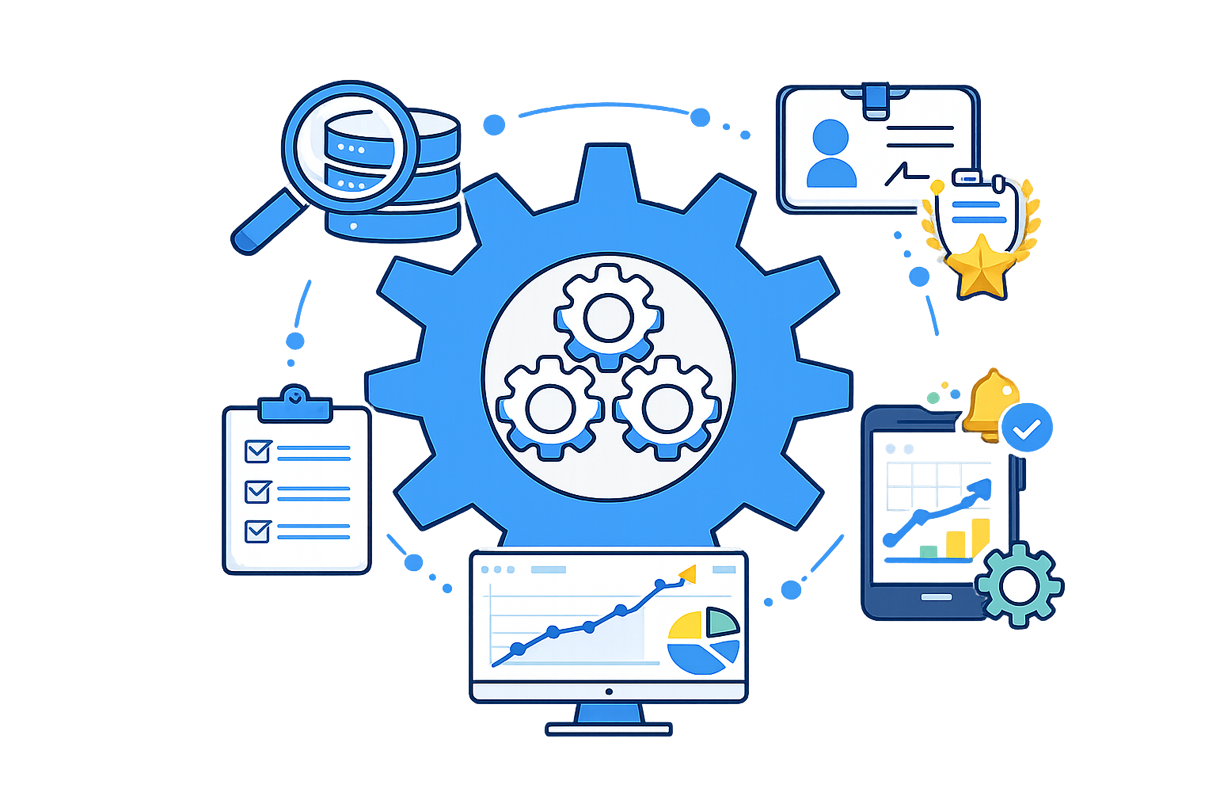
Illustration of an automated event workflow featuring a central gear and icons representing data, badges, emails, and participant safety

Plan each step of your event

A clear organizational structure shared by all your teams

Organizing an event means orchestrating dozens—sometimes hundreds—of tasks, stakeholders, and approvals. With AppCraft, you structure your event workflows clearly and efficiently. Every step is defined, every responsibility is assigned, and every action is tracked in real time. The result: seamless organization, aligned teams, and flawless execution from start to finish.

An event relies on a series of tasks that are often interdependent: preparation, approval, coordination, production. With AppCraft, you easily model your workflows by defining: • the tasks to complete • the people responsible • key deadlines • approval steps Everyone knows exactly what to do, when, and in what order. You reduce gray areas, avoid oversights, and secure your whole organization, even on complex projects.

Structure my event

Automate your tasks and processes

Save time and improve the reliability of your operations

Repetitive tasks and manual checks often lead to wasted time and errors.

AppCraft lets you automate your event workflows by automatically triggering:

Learn more

task assignment

notification sending

internal approvals

the logical sequence of steps

Each action is part of a structured process and does not require manual follow-ups.

You’ll boost productivity, reduce the risk of oversights, and ensure smooth execution, even under time pressure.

Automate my processes
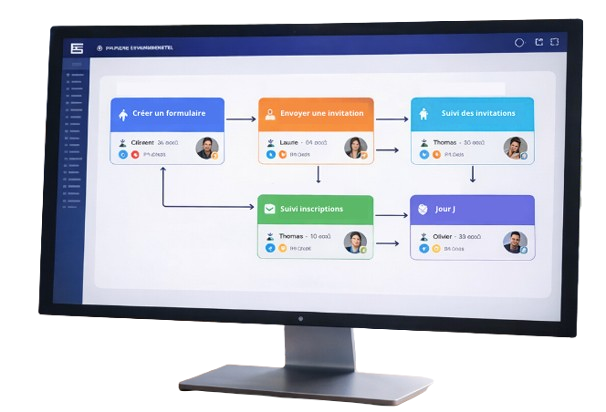
Event management interface showing an automated workflow with form creation, invitation sending, attendee tracking, and day-of management

Streamline collaboration among your teams

Align all stakeholders around a single workflow

An event involves many different parties: internal teams, partners, vendors, exhibitors…

The AppCraft workflow serves as a common framework for everyone.

Learn more

Each stakeholder has access to relevant information, takes action at the right time, and monitors the overall progress of the project.

No more scattered exchanges across emails, Excel files, and multiple tools:

everything is centralized in a single interface.

You improve communication, reduce friction, and speed up decision-making.

Centralize my organization
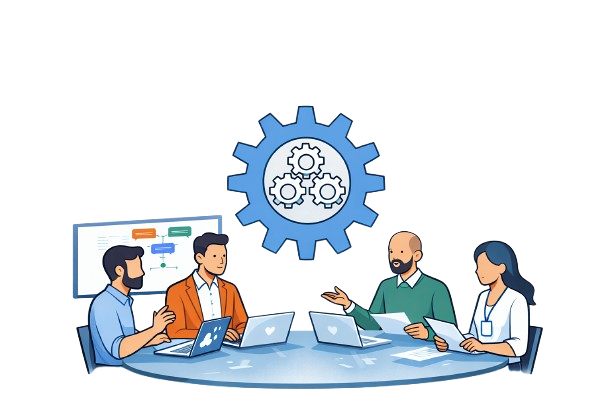
Illustration of a team collaborating around a table with computers, representing a centralized event workflow and smooth organization

Manage your event in real time

Anticipate roadblocks and stay in control

With a comprehensive overview of your workflows, you can track the progress of each task in real time.

Quickly identify delays, bottlenecks, or critical dependencies, and adjust your operations accordingly.

Learn more

Dashboards and real-time status updates provide you with a comprehensive operational dashboard to manage your event with precision.

You gain greater visibility, responsiveness, and peace of mind, even when dealing with complex systems.

Manage my event
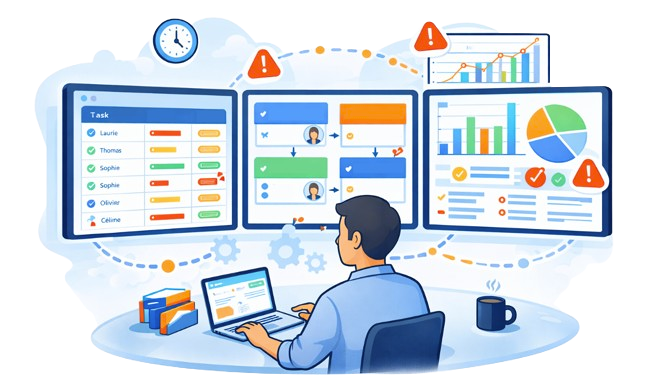
Illustration of an organizer analyzing real-time event dashboards with task tracking, alerts, and performance indicators

FAQ – Event workflow and automation

How do you choose workflow software to organize a business event?

Choosing event workflow software depends on the number of contributors, the tasks to coordinate, and the complexity of internal approvals.

For a simple event, a standard project management tool may be enough. A convention, congress, or trade show involving several teams, however, may call for a solution connected to event operations.

AppCraft lets you structure processes by defining tasks, owners, deadlines, and approval steps. Organizers get a shared environment to coordinate operations and track their progress.

What is the difference between an event workflow and a standard project management tool?

A project management tool lets you split up assignments, designate owners, and track deadlines. An event workflow also structures the sequence of actions and the approval steps specific to organizing an event.

For example, preparing a convention may require several successive approvals before invitations go out.

AppCraft lets you define these different steps, automate certain assignments and approvals, then track their progress from a centralized environment. This approach is especially relevant when several departments are involved in the organization.

Which tasks can be automated when organizing an event?

Event automation reduces repetitive work and structures the preparation, coordination, and approval processes.

With AppCraft, organizers can set up workflows that, among other things, trigger task assignment and certain internal approvals. Each action fits into a process defined in advance.

For example, when a preparation step is completed, the workflow can be used to organize the next part of the process and identify the team members involved.

Automation options should be adapted to internal rules and to the needs of each event.

How do you coordinate several teams and vendors on the same event?

When an event involves marketing, communications, and logistics teams as well as external vendors, coordination becomes more complex. A growing number of emails and shared files can lead to oversights or conflicting information.

AppCraft provides a shared environment where tasks, responsibilities, and deadlines are defined. Everyone can view the information relevant to their role and follow the project's progress.

Organizers keep the big picture while making collaboration between the different stakeholders easier.

How do you track an event's progress and spot overdue tasks?

To manage an event effectively, you need an up-to-date view of completed tasks, pending steps, and any blockers.

AppCraft offers tracking dashboards and dynamic statuses so you can check workflow progress in real time. Managers can spot delays, identify critical dependencies, and adjust the organization when needed.

This visibility is especially useful for complex events, where preparation involves several teams and vendors. It makes trade-offs easier without piling on status meetings.

Ready to save time on your next events?

Join the 1,500+ event planners already running their B2B events with AppCraft.

Free personalized demo · Reply within 24 hours