
Basic Sheet 5 / 68
AppCraft EveryWhere digital space - Starter pack
Create a customized digital space for your event with AppCraft EveryWhere: secure access, unlimited content, workshop management, and live auto-refresh.
Quote line: AppCraft EveryWhere Digital Space - Starter Pack (i)
Visual
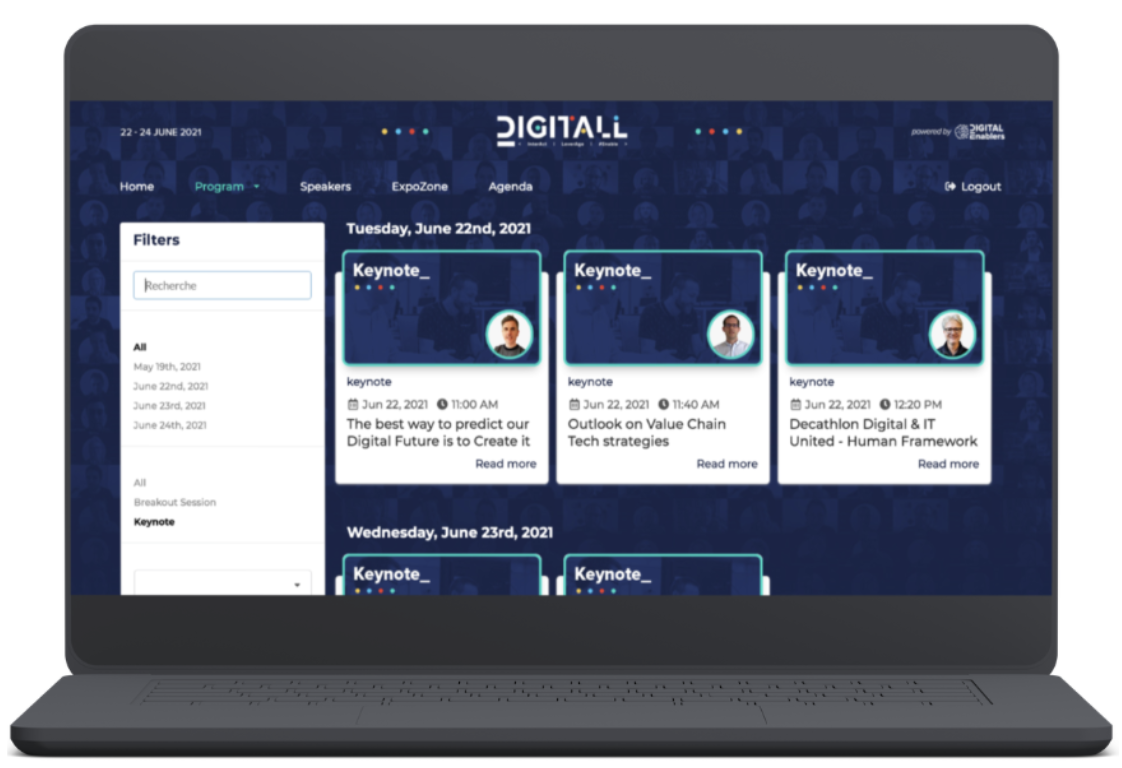
Visuals
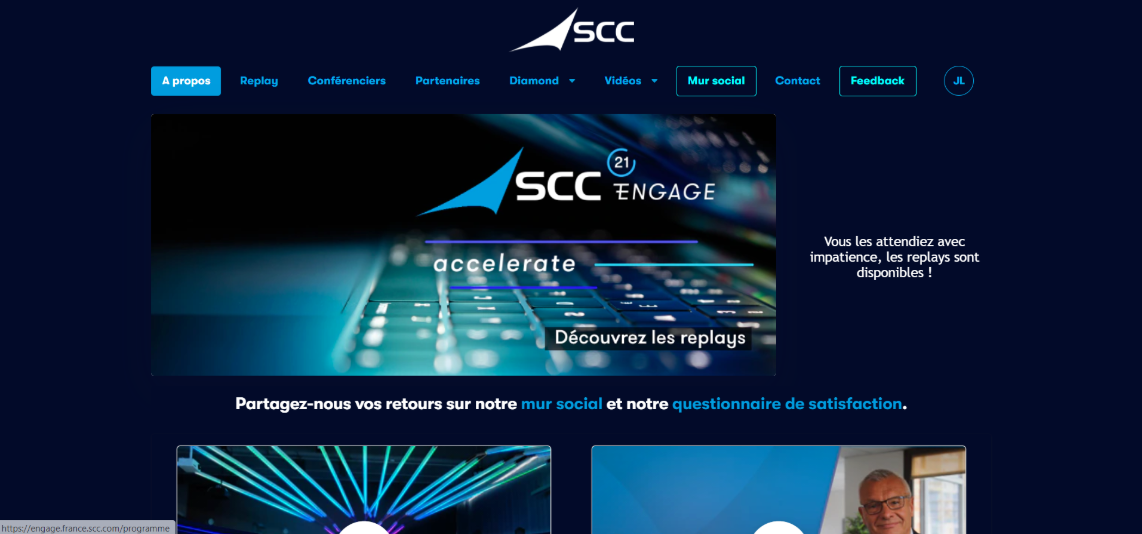

Visuals
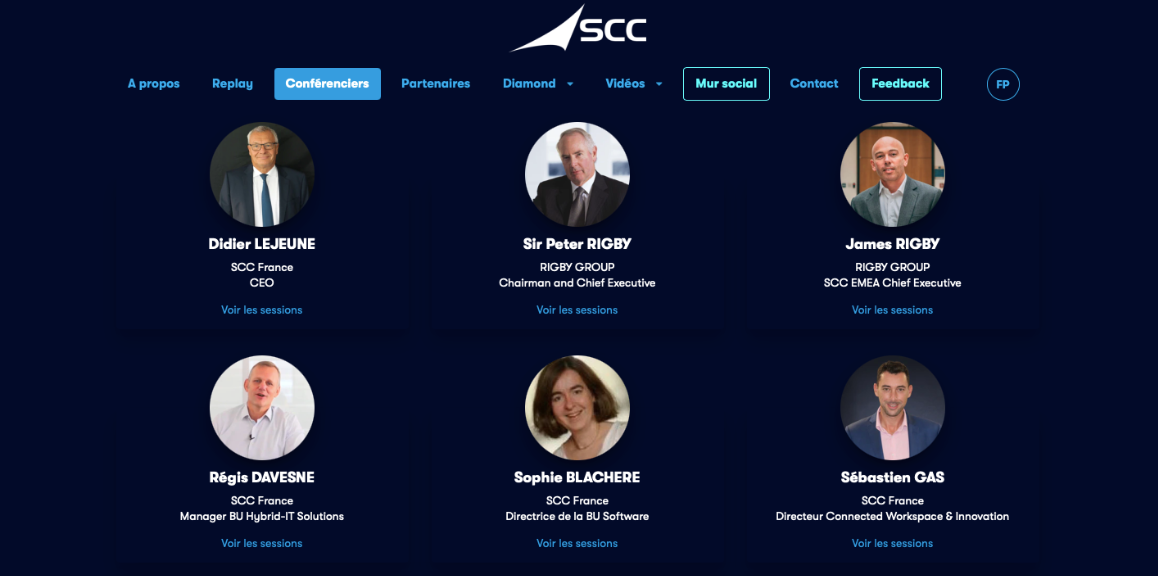

Visuals

Visuals
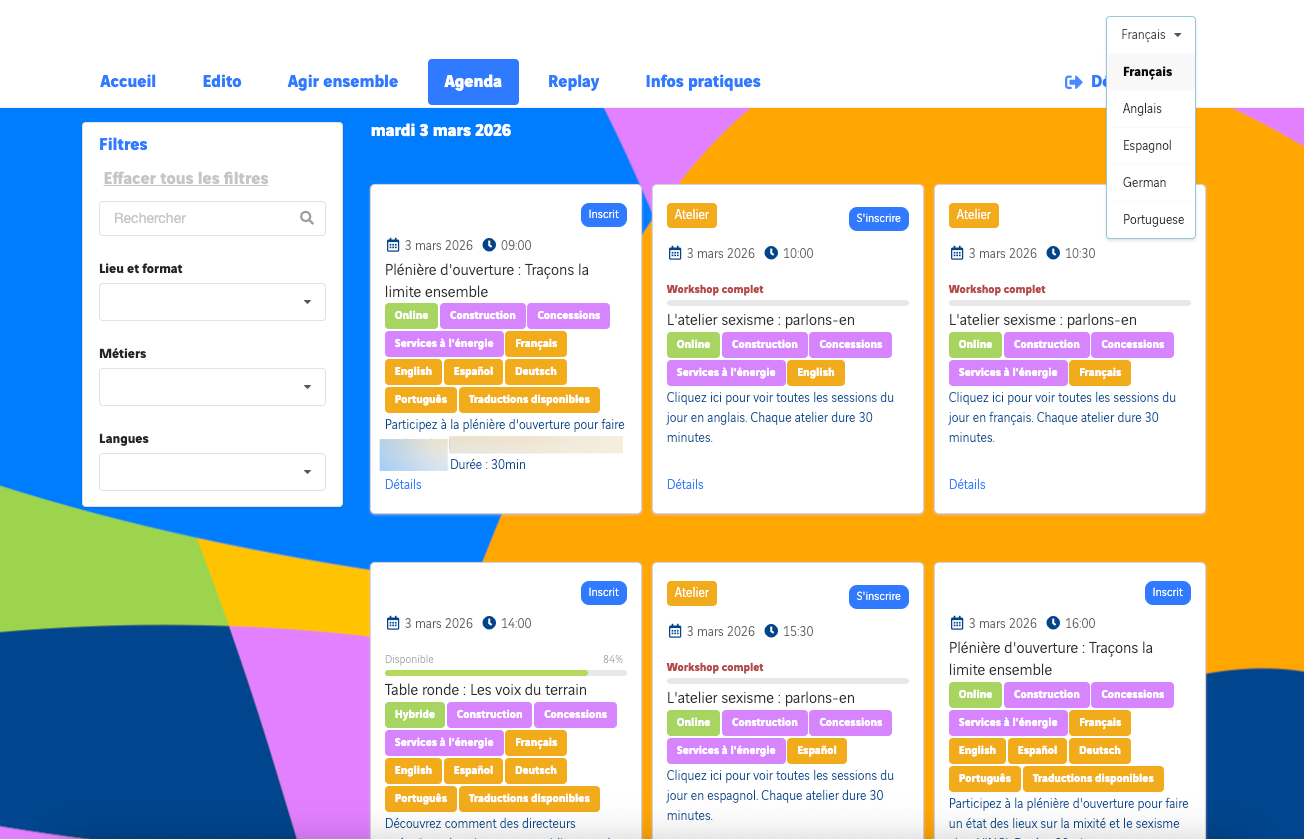
Visuals
Visuals
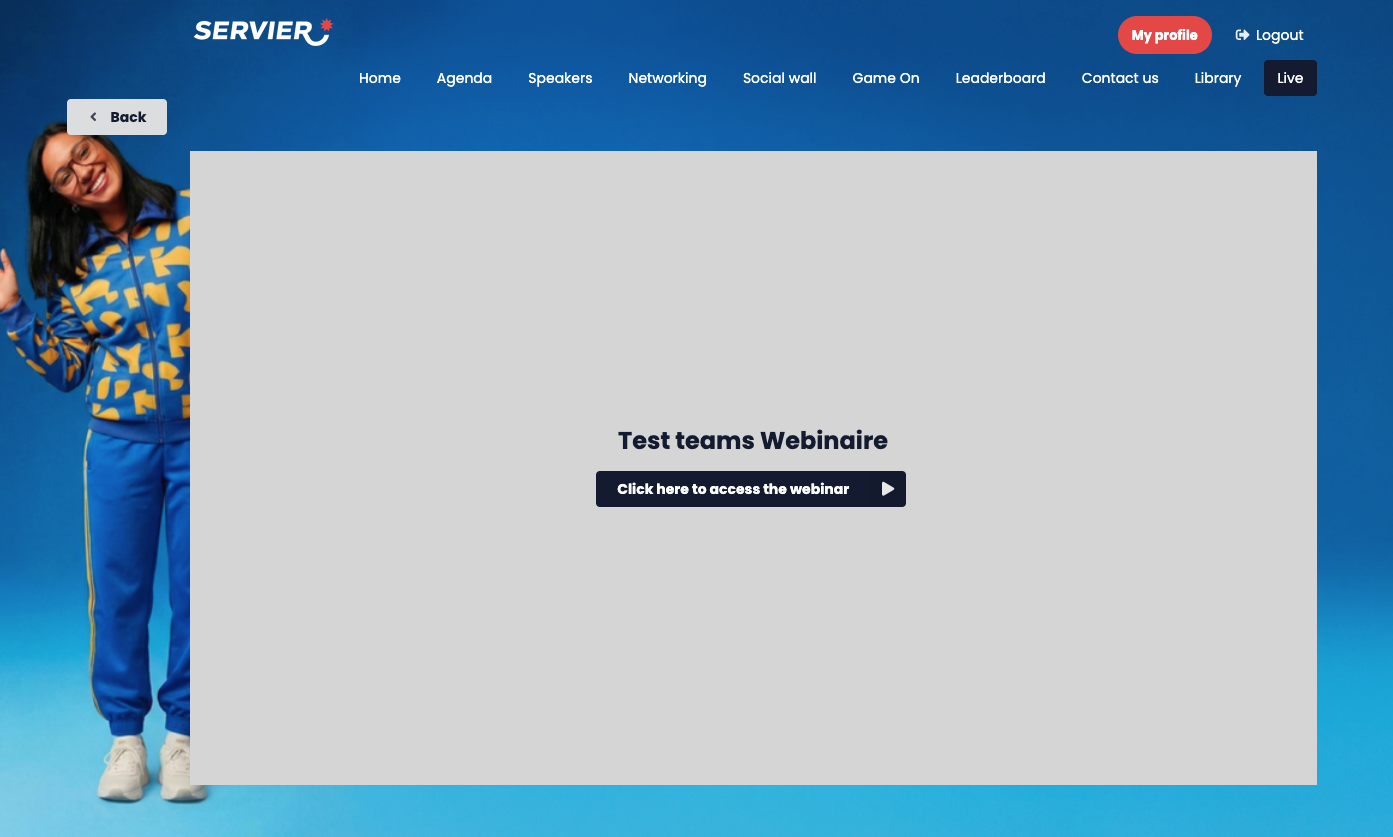
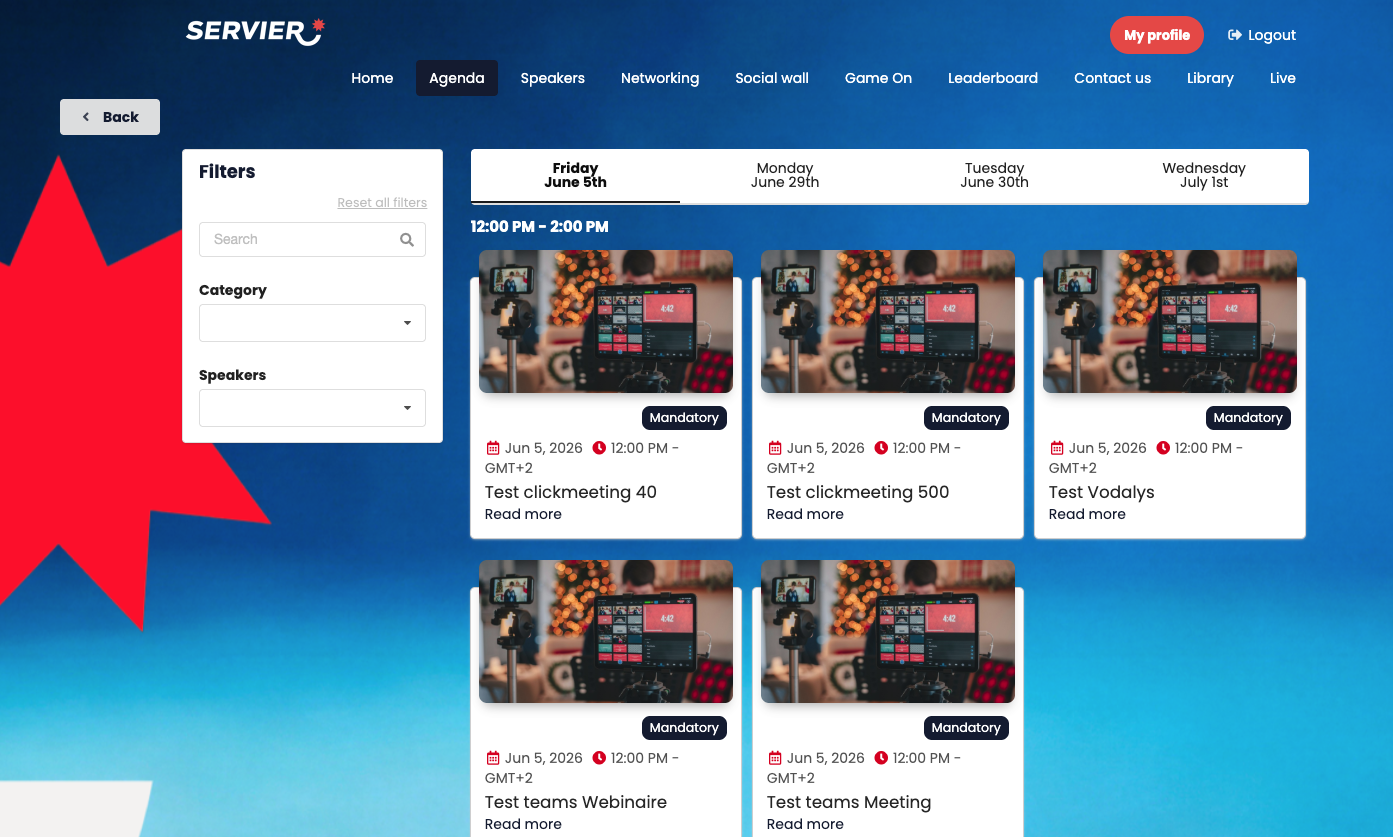
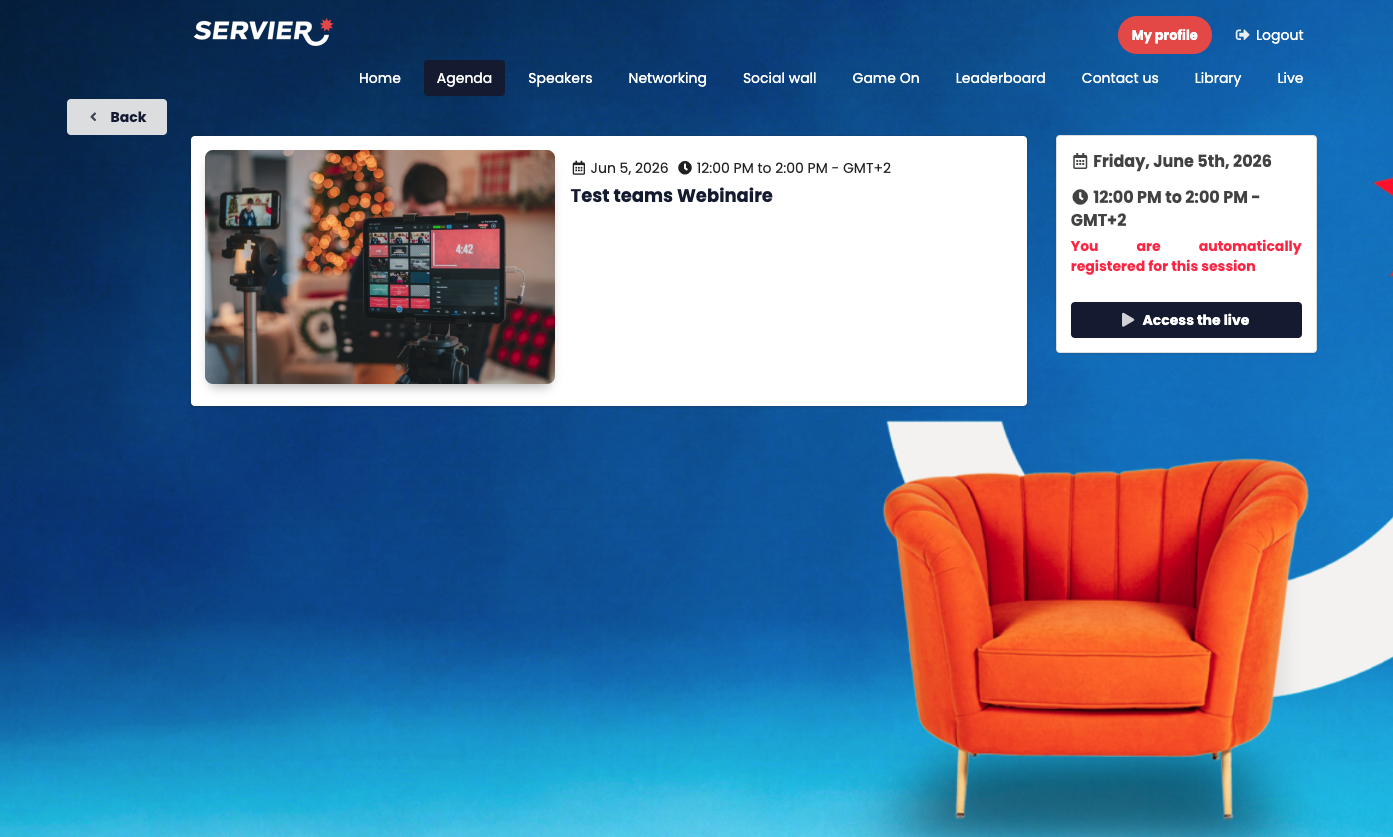
Event web platform for use on computers and mobile format for smartphone users
In an environment dedicated to your brand:
- Platform dedicated to your event
- Responsive platform in your colors (colors, logo and background)
- Login / password required to enter the platform (security). Attendees can choose their own password on first login (*the password must be at least 8 characters long, including at least 1 lowercase letter, 1 uppercase letter, 1 digit and 1 special character – AppCraft IT security policy) – Forgotten password option available if an attendee forgets theirs
> (SSO login available as an option)
- Profile page (attendees can edit their profile)
- List of workshops, plenaries and other event moments: description, files made available, speakers involved and registration in advance or live + confirmation email. Quota management available.
- Platform-wide search bar to find a speaker or content.
- Attendees can add their workshops to their Google / Outlook / iCal calendar
- Unlimited number of information pages: documents, videos hosted on an external player, text
- Selective content depending on attendee type (e.g., press does not have access to the same livestream as internal teams)
- Speaker list
- Automatic countdown on each livestream page: "your livestream starts in 02 days, 33 minutes and 2 seconds"
- "Auto-refresh" technology by AppCraft: attendees can watch all the livestreams they are registered for / assigned to, one after the other, on a single page. As soon as the first livestream ends, the page refreshes by itself without the attendee clicking a button. For example: a viewer goes from the plenary livestream filmed in the studio to a 20-person workshop with microphones and cameras on within 1 second, with no clicks.
- FAQ with an unlimited number of sections
> Workshop descriptions can be generated with ChatGPT.
The benefits of the AppCraft EveryWhere web platform - Starter pack
- The platform is entirely dedicated to your event, 100% white label
- Access to the platform is secured by a login and password, keeping information confidential and ensuring a secure experience for attendees.
- Attendees can edit their profile, letting them provide relevant information and personalize their experience on the platform.
- The platform provides a detailed list of workshops, plenaries and other event moments, giving full visibility into the activities on offer.
- Attendees can add their meetings to their Google calendar
- The "Auto-refresh" feature automatically shows attendees the livestreams they are registered for